LSI SAS 9211-8iをIT Firmwareに書き換える
ファイルサーバの容量を増やしたくて買いました。
画像忘れました https://t.co/wgvYu4SCCq
— 村上椎奈 (@MyM4i) 2017年9月14日
ファイルサーバの容量を増やしたくて買いました。
画像忘れました https://t.co/wgvYu4SCCq
— 村上椎奈 (@MyM4i) 2017年9月14日
タイトルのまんまです。
Nginxでリバプロしてる環境でLet’s Encryptを使おうと思うと、その仕組み上ちょっとめんどくさいのでメモ。
結論から言うと、設定ファイルに以下を追記すると良い。
こんなの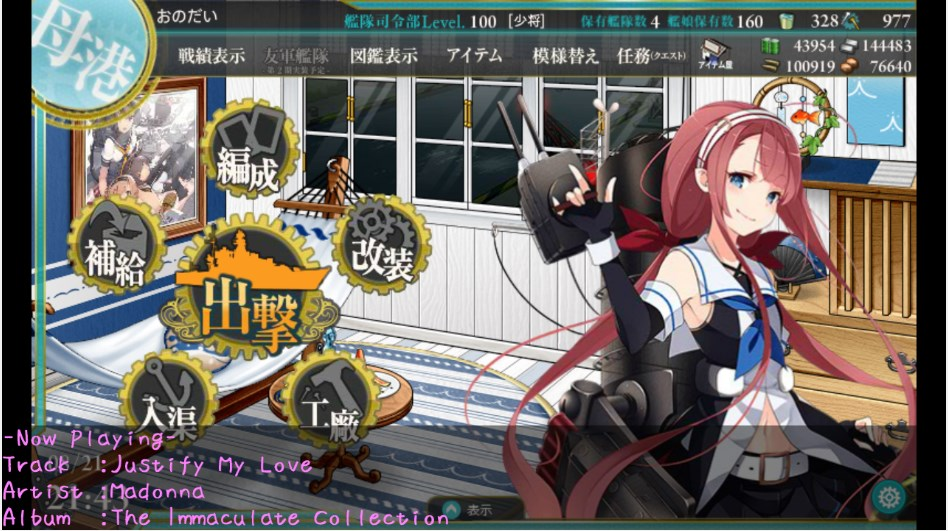
これ、どうやっているかっていうとOBSとSnipの組み合わせで表示させてます。
OBSに関してはほかの方が解説してくれているので割愛するとして、Snipの使い方を簡単に。
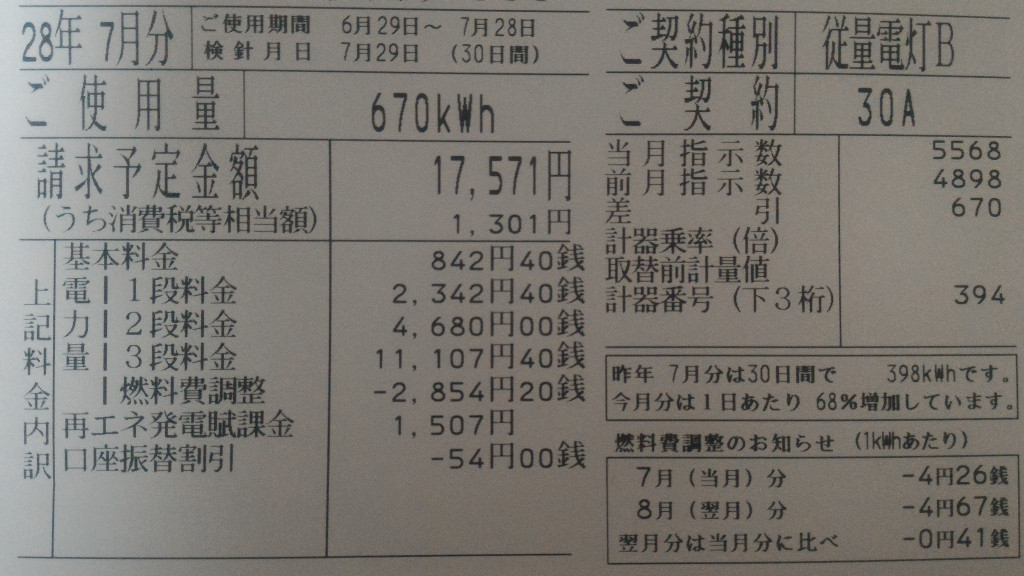
いやマジで
17,000円とか独身男性の一人暮らしの電気代とは思えないよね
びっくりした
なんとなくDockerでサービスを動かしたかったので。
apt update && apt upgradeを実施し、最新の状態であること$ sudo apt-get install apt-transport-https ca-certificates$ sudo apt-key adv --keyserver hkp://p80.pool.sks-keyservers.net:8 0 --recv-keys 58118E89F3A912897C070ADBF76221572C52609D/etc/apt/sources.list.d/docker.listを新規作成、編集し、Dockerのオフィシャルリポジトリを追加する。$ sudo vi /etc/apt/sources.list.d/docker.listdeb https://apt.dockerproject.org/repo ubuntu-xenial main$ sudo apt-get update$ sudo apt-get purge lxc-docker$ apt-cache policy docker-engine$ sudo apt-get update$ sudo apt-get install docker-engine$ sudo systemctl start docker.service$ sudo systemctl enable docker.service$ sudo docker run hello-world
Unable to find image 'hello-world:latest' locally
latest: Pulling from library/hello-world
c04b14da8d14: Pulling fs layer c04b14da8d14: Downloading 974 B/974 Bc04b14da8d14: Verifying Checksum c04b14da8d14: Download complete c04b14da8d14: Extracting 974 B/974 Bc04b14da8d14: Extracting 974 B/974 Bc04b14da8d14: Pull complete Digest: sha256:0256e8a36e2070f7bf2d0b0763dbabdd67798512411de4cdcf9431a1feb60fd9
Status: Downloaded newer image for hello-world:latest
Hello from Docker!
This message shows that your installation appears to be working correctly.
To generate this message, Docker took the following steps:
1. The Docker client contacted the Docker daemon.
2. The Docker daemon pulled the "hello-world" image from the Docker Hub.
3. The Docker daemon created a new container from that image which runs the
executable that produces the output you are currently reading.
4. The Docker daemon streamed that output to the Docker client, which sent it
to your terminal.
To try something more ambitious, you can run an Ubuntu container with:
$ docker run -it ubuntu bash
Share images, automate workflows, and more with a free Docker Hub account:
https://hub.docker.com
For more examples and ideas, visit:
https://docs.docker.com/engine/userguide/このままではroot以外のユーザがDockerのコマンドを扱えないため、dockerグループに普段使っているユーザを追加する。